

What is ADA compliance: Website Accessibility Checklist

Introduction
1.3 billion people globally live with some form of disability — that’s 16% of the world’s population (WHO, 2023).
When your site’s not accessible, not only are you limiting your audience, but also you’re putting yourself at risk for legal action against you as an organization. There were close to 4600 ADA website accessibility lawsuits filed in the USA in 2023 alone; this number is continuing to increase.
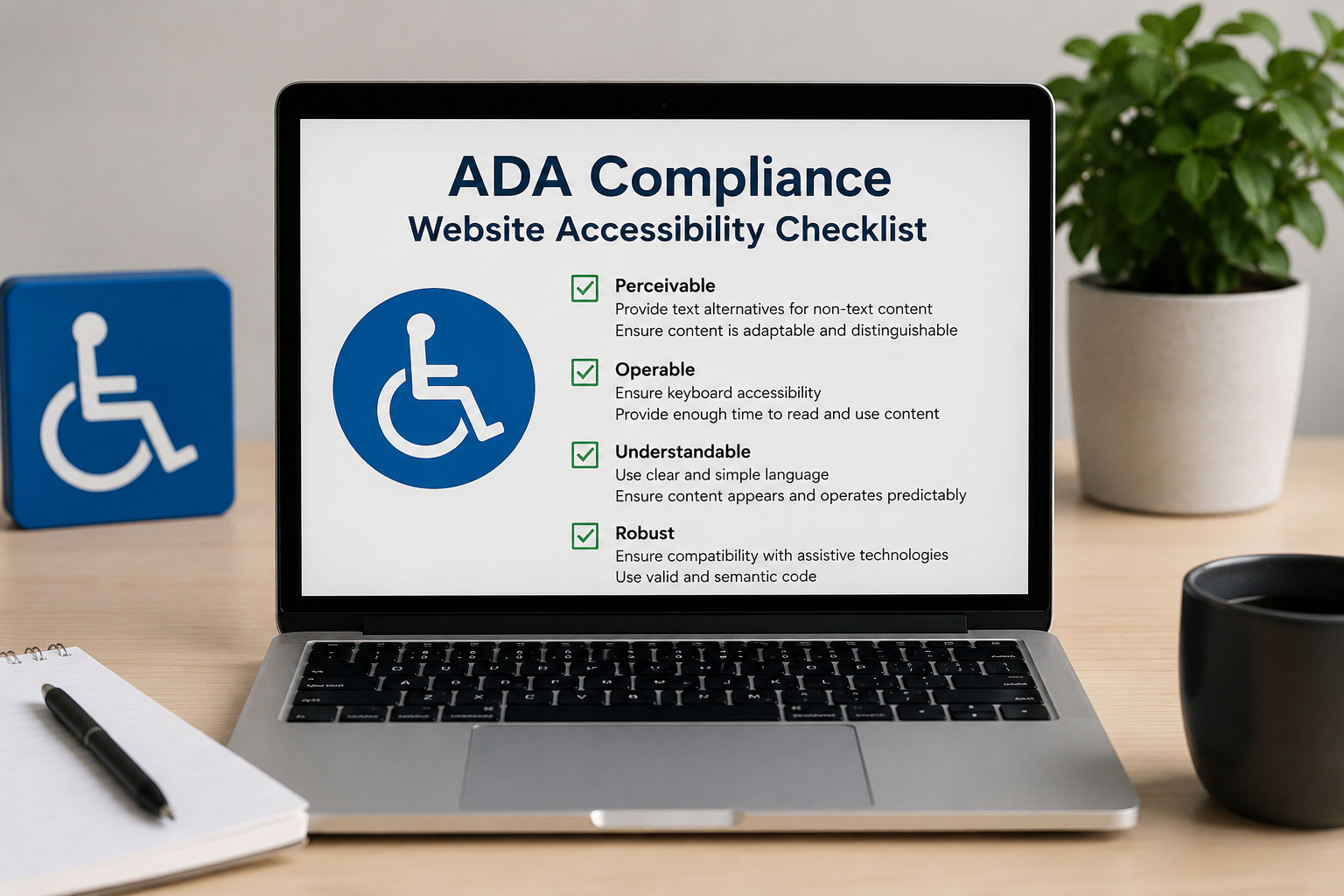
Website ADA compliance is now essential. This is a simple checklist for determining where your site stands; it can be used to resolve any issues within one day.
What Is ADA Compliance for Websites?
The Americans with Disabilities Act (ADA) applies to websites as ‘places of public accommodation.’ The technical benchmark most courts and the US Department of Justice reference is WCAG 2.1 Level AA — the Web Content Accessibility Guidelines published by the W3C.
The Americans with Disabilities Act (known as ‘the ADA’) requires that all places of public accommodation, including websites, comply with specific standards for making their facilities accessible. The technical standard used by most courts and by the U.S. Department of Justice (the Justice Dept) is WCAG 2.1 Level AA — the Website Content Accessibility Guidelines (WCAG) published by W3C.
The WCAG 2.1 Standard has been based on four principle concepts referred to as the four POUR Principles (perceivable, operable, understandable, and robust). Each of these concepts is described below, along with some examples for how these principles are verified.
The WCAG 2.1 Standard: The Four POUR Principles
| Principle | What It Means | Simple Test |
| Perceivable | Users can see or hear all content | Do you use ALT text for images? |
| Operable | Users are able to move around using a keyboard/accessible device | Are you able to use the Tab key on your keyboard to move all around your site without a mouse |
| Understandable | Content is clear and predictable | Are error messages informative? Is the language used easy to understand? |
| Robust | The site is compatible with assistive technology — ie. screen readers | Do you use semantic HTML (header, navigation, main)? |
The ADA Compliance Checklist: 7 Things to Check Today
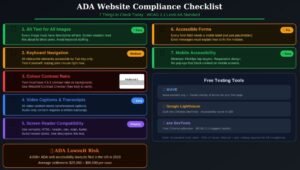
Go through each of the items in this checklist below. If you’re not able to fully check it off immediately, prioritize it — even partial improvements to your site will greatly decrease your risk of legal action.
| # | Checklist Item | Why It Matters | Quick Fix |
| 1 | Alt Text for Images | Blind individuals rely on screen readers to read alt text. | Make sure every image is given descriptive alt text (for all non-decorative images). |
| 2 | Keyboard Navigation | Motor-impaired users navigate only by keyboard. | Tab through your website and ensure that all website elements are able to be reached using just the keyboard. |
| 3 | Colour Contrast (4.5:1 ratio) | Visual users will not be able to read the text if there is no contrast between the background and foreground. | Use a free tool like WebAIM Contrast Checker. |
| 4 | Video Captions & Transcripts | Deaf/hard-of-hearing individuals rely on captions | Provide synchronized captions on videos and provide written transcripts for audio |
| 5 | Screen Reader Compatibility | Screen readers read elements from the HTML DOM (document object model) in order of appearance. | Use correct HTML markup (header, nav, main and footer tags). |
| 6 | Accessible Forms | All users need to see errors on forms clearly | Provide labels for all fields and avoid using placeholder text as the only means of labeling. |
| 7 | Mobile Accessibility | Minimum touch target size of 44px x 44px and no content blocking open on mobile device. | Test the mobile version using a screen reader (use iOS VoiceOver or Android TalkBack). |
Approximately 30% of the defects dictating compliance with ADA can be found using automated testing. All accessibility defects cannot be found through automated testing. Therefore, it is very important to also conduct manual testing of your website requirements by individuals with disabilities as part of achieving full ADA compliance.
How to Test Your Website for ADA Compliance

Take a look at these three simple tools: they should take you less than 10 minutes to use and will help identify any of the most significant accessibility issues on your website.
- WAVE – The WAVE Web Accessibility Evaluator (wave.webaim.org) is a free browser extension that provides visual layering of errors, alerts, and structural elements directly on your website(s).
- Lighthouse – Lighthouse, which is built into Chrome DevTools (press F12; choose ‘Lighthouse‘), will run an accessibility audit) will provide a 0 to 100 score, with specific recommendations for improving accessibility.
- axe – This free Chrome extension provides detailed WCAG-mapped reports and instructions for remediation.
Make sure to have your ADA audits performed on a quarterly basis after site redesigns, after any new functionality is added, and after any Content Management System (CMS) updates; accessibility regressions will occur and need to be fixed whenever code changes are made.
Frequently Asked Questions
Q: What makes a website ADA compliance?
To be considered ADA compliance, a website must satisfy all the requirements of WCAG 2.1 Level AA, including: alternative text for images, keyboard navigability, colour contrast ratio of 4.5:1, captioning for video, and screen reader compatibility.
Q: Does ADA compliance apply to all websites?
Even though businesses that serve customers and/or are government sponsored, therefore, primarily subject to the ADA compliance; courts have interpreted this very broadly in terms of commercial websites as well. An organization that has any online presence should comply with the ADA as a minimum requirement.
Q: How much does it cost to make a website ADA compliance?
Cost varies widely based on what types of edits you are making to your website. Basic edits (e.g., adding alt text, increasing colour contrast, using semantic HTML, etc.) could be done in-house at a minimal cost. However, if you decided to hire an agency to do a full remediation on your website, it would typically cost you between $1,000 – $10,000+, which will depend on how complex your website is.
Q: What is the difference between ADA compliance and WCAG?
WCAG are the technical standards, while ADA compliance is the legally recognized requirement. Most courts and the Department of Justice (DOJ) have stated that the WCAG 2.1 Level AA is the standard by which they will determine whether a commercial website is compliant with the ADA.
Q: Can I get sued for having a non-compliant website?
Yes! Thousands of ADA accessibility lawsuits are filed each year across the U.S. Every size business has been sued under the ADA for not meeting the web requirements. The cost of being proactive in making your website accessible is far less than the costs associated with defending against a lawsuit.